Color matching a thirty-page user flow in Figma used to eat up three hours of a designer’s afternoon. Now, with the help of advanced AI tools, the same job can be done within minutes. That single shift, multiplied across every design team in the world, is quietly rewriting what it means to be a designer in 2026. And honestly, that is something worth getting excited about.
This is why at Black Pug Studio, we believe that AI is the next essential step in the advancement of UI and UX design. AI isn’t a threat to the craft nor a shortcut, but instead is the biggest creative upgrade the industry has seen in years. For instance, built-in AI features in tools like Figma, Adobe Creative Suite, and a growing toolbox of plugins and assistants are not replacing designers. Rather, they are silently handling the grunt work like resizing, naming layers, and matching colours, so humans can focus on the big picture process that actually moves a project forward.
Why AI is essential for modern design teams
Think of AI as a junior designer who never sleeps, never sighs at repetitive tasks, and happily takes on the middle management admin work that slows down the whole design process. When used well, it becomes an essential teammate rather than a novelty. And the teams that treat it that way will probably be the ones who will define the next decade of UI and UX design.
The numbers back this up. In Figma’s 2025 AI report, most designers surveyed agreed that AI increases design efficiency, and 85% of designers and developers stated that learning to work with AI will be essential to their future success. At the same time, more than half of the surveyed designers did not believe AI made them better at their jobs. They argued that high-quality design still relies on human judgment, taste and context. This is how we view AI’s role in UI and UX design as well: AI sharpens the workflow, while the craft still belongs to the humans.
It is also worth noting that Figma AI, Adobe AI and other major AI-powered design tools can be expensive, and may not suit every team’s budget right away. If you want to start incorporating AI into your workflow on a smaller scale, tools like Notion can help you streamline project management, content planning and team collaboration with built-in AI features, giving your team a practical entry point before investing in larger platforms.
Where AI genuinely shines in the design workflow
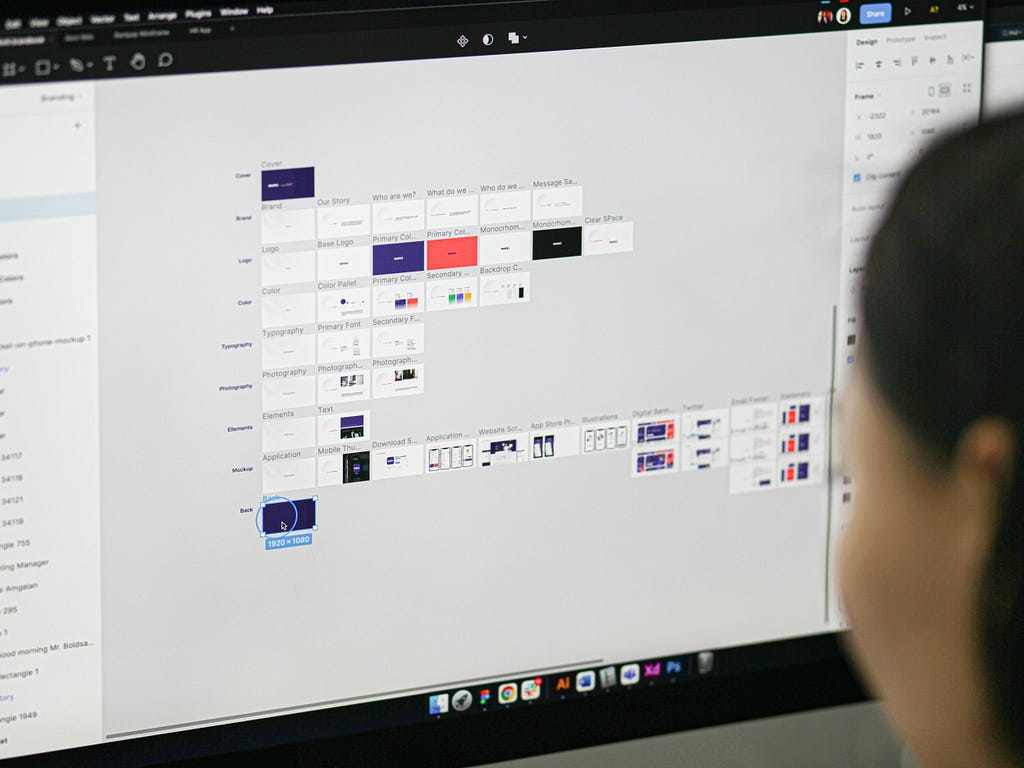
There are some design tasks that absolutely require automation. These are primarily areas where AI is already pulling its weight inside modern design teams. Not only does this avoid burnout for designers, but AI-powered workflows can give designers back the hours they would rather spend brainstorming and ideating.
- Ideation and mood board concepts: AI tools can generate style directions in minutes, allowing designers to compare color and text themes side by side. More directions explored usually means a braver and more informed final decision.
- Asset generation: Button icons, illustrations, and placeholder imagery can be produced with tools like Midjourney and Figma Make. These assets help designers explore ideas without starting from scratch, either inspiring the artistic direction or, if they fit the brand vision, slotting them straight into the final designs.
- Production work: These chores can include auto layout suggestions, resizing assets, batch renaming layers, and generating alt text. These chores used to eat into creative time, but AI now handles them in the background, and it’s obvious that nobody is missing them.
- Prototyping and wireframing: With AI, it’s easier than ever to immediately turn raw ideas into interactive layouts, making the web design process much more efficient for designers.
- Copy and microcopy: Button labels, empty states, and tone adjustments can be drafted directly in design tools like Figma, Framer, or even dedicated AI copywriting assistants. This helps copy and design evolve together, without designers needing to jump between tools.
- Accessibility checks: Contrast ratios, reading levels, and alt text generation are faster and more consistent with AI assistance. Though this step is often overlooked, accessibility checks are important for supporting more ethical and inclusive design efforts.
- Handoff and dev bridging: AI-assisted code generation from designs through Figma Dev Mode, Anima, and Locofy tightens the gap between design and development and saves hours in translation for developers. At Black Pug Studio, this is already part of how we deliver web projects for clients.
Where human designers still outshine AI
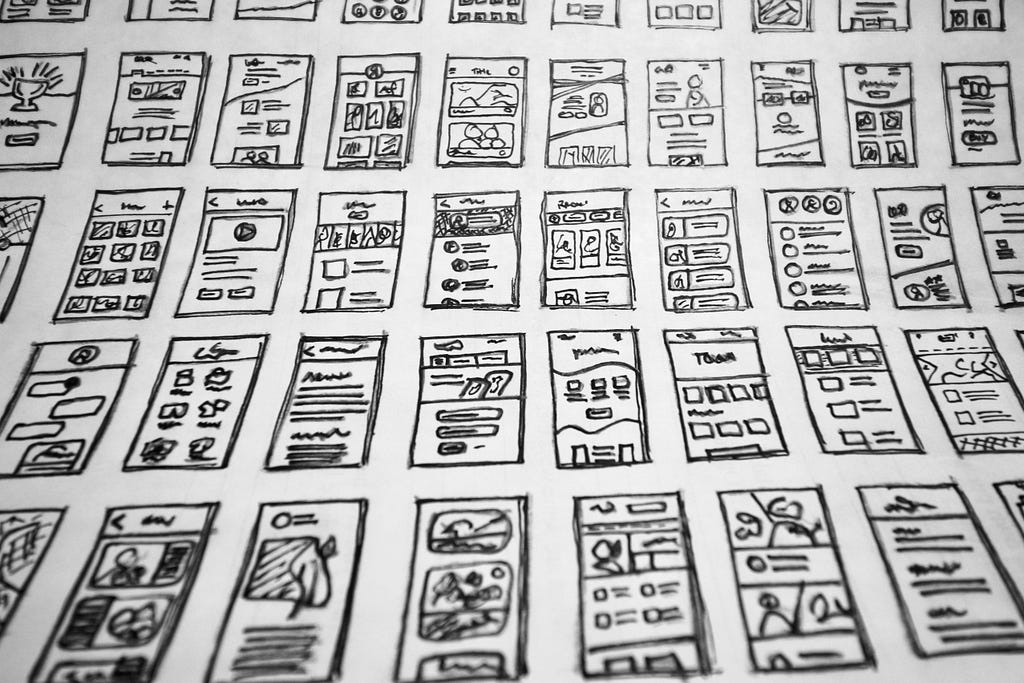
For all its speed, AI still hits a wall the moment real original creativity is required. Rather than seeing that as a limitation, we perceive it as the exciting part. These are the moments where human designers are genuinely irreplaceable.
- Brand nuance and taste: A logo can be technically correct and still feel aesthetically wrong. Judging whether a mark has the right weight, mood, or personality is a distinctly human call, and it is one of the most valuable things a designer can offer a client. It is exactly this kind of thinking that drives our branding and design work at Black Pug Studio.
- Context and client empathy: AI does not sit in the discovery workshop. It misses the offhand comment from a founder about their competitor, or the look a marketing lead gives when a direction finally lands. The human designer in the room is the one who turns those human signals into strategy.
- Originality versus averageness: Generative tools tend to drift toward the statistical middle. If everyone prompts the same way, everyone inevitably ends up with the same outputs. Standout work still requires a human to push past the default, and that has never been more valuable.
- Ethical and legal gray zones: Training data, intellectual property, and client confidentiality are all current issues in the AI space. Knowing when not to use AI is just as important as knowing how to use it, and good designers need the ability to engage with these issues through a critical, analytical lens.
How to build an AI-powered design pipeline
Instead of inserting AI into random steps, think of it as a core ingredient that runs through the entire project pipeline. A modern AI-optimized design workflow might look something like this:
- Research: AI can gather relevant data and reference examples, scan competitors, update and structure research notes, and summarize stakeholder interviews.
- Discovery: Use AI for ideation and generate suggestions for design layouts, mood boards and concepts. You can also build a prompt library so every direction stays on brief.
- Prototype: Tools like Figma AI can suggest and create variations of designs. Automating repetitive tasks also allows designers to move from rough frames to polished layouts faster.
- Refine: Finding inconsistencies and making necessary adjustments, such as grammar checks, alternative text copy and layout tweaks, is much smoother now thanks to AI.
- Collaborate: Prepare the final design, including accessibility and responsive checks with AI assistance, before team review and before the file reaches the client.
- Iterate: Designers can move through update and personalization processes faster and more efficiently than they ever did before, thanks to AI-assisted workflows.
The ultimate goal for UI and UX design is not to replace any step with AI. It is to make each step lighter so the team spends more time on the things only humans can do, namely, creative ideation and exploration. That is the future we are building toward at Black Pug Studio, and the one we think every design team should be excited about.
Frequently Asked Questions
How are designers using AI in 2026?
Designers use AI across the workflow, from research and moodboarding to production and handoff. Most teams use it to generate first draft assets, automate repetitive tasks, and speed up accessibility and QA. In 2026, AI is integrated into everyday tools, and the designers getting the most out of it are the ones who treat it as a collaborator rather than a third-party contributor.
Is AI replacing graphic designers?
Absolutely not. Rather, AI is changing how designers spend their time, not removing the role. It speeds up work, but strong design still depends on human judgment, taste, and context. The designers who learn to use it will move faster, think bigger, and keep up with the ever-evolving design industry.
What are the best AI tools for web design agencies?
There is no single winner. In 2026, a solid stack includes Figma AI or Figma Make, Midjourney or Adobe Firefly, and Anima or Locofy, plus other AI tools for accessibility and copy. Choose tools based on your budget, goals, team workflow, and client needs. The best options are the ones that give your designers more time to do the work only they can do.
What does an AI-optimized design workflow look like?
A strong AI-optimized workflow weaves AI into every stage, including research, ideation, prototyping, refinement, and handoff. The goal is to let AI handle repetitive, time-consuming tasks across the entire pipeline so designers can invest more energy in creative thinking, strategy, and client collaboration.
How should design teams handle ethical concerns of using AI in design?
Responsible design teams should set clear guidelines on when and how to use generative tools, making sure every output respects copyright, privacy, and the trust clients place in them. These concerns can include training data sourced without consent, intellectual property ownership of AI-generated assets, and client confidentiality when uploading work to third-party AI platforms.
Conclusion
Designers should care about AI because it is creating a more efficient design process and erasing the tedious tasks that cause endless burnout. It has completely shifted our pipeline here at Black Pug Studio. UX and UI chores that once took hours, such as resizing assets, creating design variations, and editing layouts, can now be achieved within seconds.
Design teams no longer need to panic about meeting tight deadlines and can instead focus most of their attention on tasks that require human judgment, while AI clears up the repetitive everyday workflows in the background. It’s also why we’re officially introducing AI services to help creative teams and businesses build smarter, faster pipelines that go well beyond design.
The teams that will define the next era of design are not the ones avoiding AI. They are the ones learning to work alongside it, using it to move faster, think bigger, and pour their energy into their original creative decisions. Therefore, we believe that AI is a major opportunity for every designer in 2026, as it will help design teams tremendously upgrade their skills and workflows.
Curious? Let’s Have a Chat
If you’re interested in implementing AI tools in your team workflow but don’t know where to begin, we would love to hear from you. We offer a free 30-minute discovery call where we can talk through your challenges, explore where AI might genuinely help, and give you an honest picture of what’s realistic. No obligation, no hard sell, just a useful conversation. You can also explore more of our thinking on our blog.
AI’s Role in the Modern Design Workflow was originally published in Creative by Black Pug Studio on Medium, where people are continuing the conversation by highlighting and responding to this story.