
What if your marketing content could work for you for months or even years after you post it? With 600 million monthly active users discovering, saving, and shopping through visual bookmarks called Pins, Pinterest offers exactly that opportunity. Unlike content that disappears within 24 hours on other platforms, Pinterest’s algorithm keeps your content evergreen, making it a powerful tool for businesses of all sizes.
As a search engine platform, Pinterest boasts approximately 2 billion searches per month, with 96% of those searches being unbranded. Whether it’s food, holiday celebrations, nature, fashion, or home decor, Pinterest’s digital marketing tools allow you to create compelling Pins that make your business stand out and drive more traffic your way.
Why you should market on Pinterest
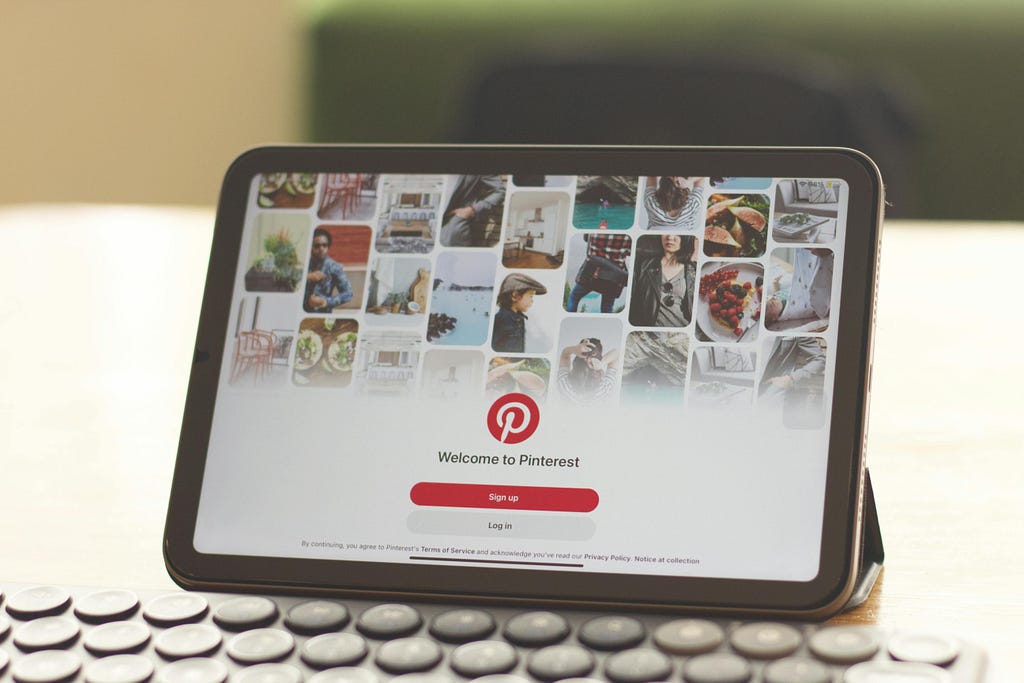
Pinterest is where niches thrive; therefore, it’s a powerful platform for small businesses to connect with their audiences and grow their sales. As a discovery site, Pinterest is where users can browse for inspiration and new products - 80% of users reported discovering a new product or brand on Pinterest in 2025. Even better, 96% of top searches on Pinterest are unbranded, meaning users are searching for ideas and solutions, not specific brands. This creates a tremendous opportunity for small businesses to be discovered.
Pins can drive users to websites, blog posts and product pages, thus boosting traffic and turning leads into customers. Pinterest drives 33% more traffic to e-commerce websites than Facebook, and delivers 2x higher return on ad spend compared to other major platforms. In this article, we will be breaking down what types of Pinterest Pins there are and how they can be optimised to boost traffic.
The good news is that this platform is popular with all age groups, hitting 600 million monthly active users, with Gen Z leading the charge as the fastest-growing segment at 42% of the user base. It primarily appeals to the female user base, with females making up 70% of their user base and males making up 22%.
Signing up for a business account is completely free and gives you access to Pinterest marketing tools such as ads. Plus, there are helpful resources available to guide small business owners in making the most of Pins. If you’re curious about what’s trending, Pinterest Predicts is an awesome resource to discover what’s going to be hot in the coming year.
To leverage Pinterest effectively, start with these five fundamental strategies.
Step 1: Edit your Profile

Your Pinterest profile is the first thing users see, so it’s important to make a good impression and communicate to your audience who you are and what value your brand provides. A well-written profile will also help on the SEO side of things, so be sure to consider your primary keywords.
The main elements of your business profile include:
- Username: Choose a memorable handle that reflects your brand.
- Display Name: Use your business name for easy recognition.
- Bio: Write a clear, keyword-rich description of what you offer.
- Profile & Cover Photo: Use high-quality images that represent your brand.
- Claim your Website: Verify web ownership to access analytics and rich pins.
Pinterest Boards
Boards are a key feature of your Pinterest profile, as they are digital collections that allow you to collect Pins you love and organise them in a public visual folder. Organizing your original image and video Pins into well-optimized, relevant Boards helps Pinterest’s algorithm understand your content better and makes it easier for users to discover and enjoy your work.
Make your Boards stand out even more by adding an eye-catching cover and a vibrant header image. Don’t forget to include friendly, detailed titles and descriptions so users know exactly what type of content they’ll find inside.
Step 2: Create a Pinterest content strategy

Pins are visual bookmarks that people use to save content that really speaks to them. The important thing to remember about Pinterest content is that visuals always come first. When you create and share eye-catching Pins, you’ll have a much better chance of users engaging with your content - whether that’s liking, commenting, sharing, or saving them to their own boards. The best part is that properly optimized organic Pins can stay relevant forever, giving your content amazing longevity!
Pinterest has flexible sizing tools, allowing content creators to create images and videos in multiple aspect ratios. Vertical formats are recommended, namely 2:3 aspect ratio for images and a 9:16 aspect ratio for videos. It is recommended to post fresh Pins daily - Adobe specifies 3–10 times per day. Plus, you can use Pinterest’s handy scheduling tool to make posting a breeze.
Types of Pins
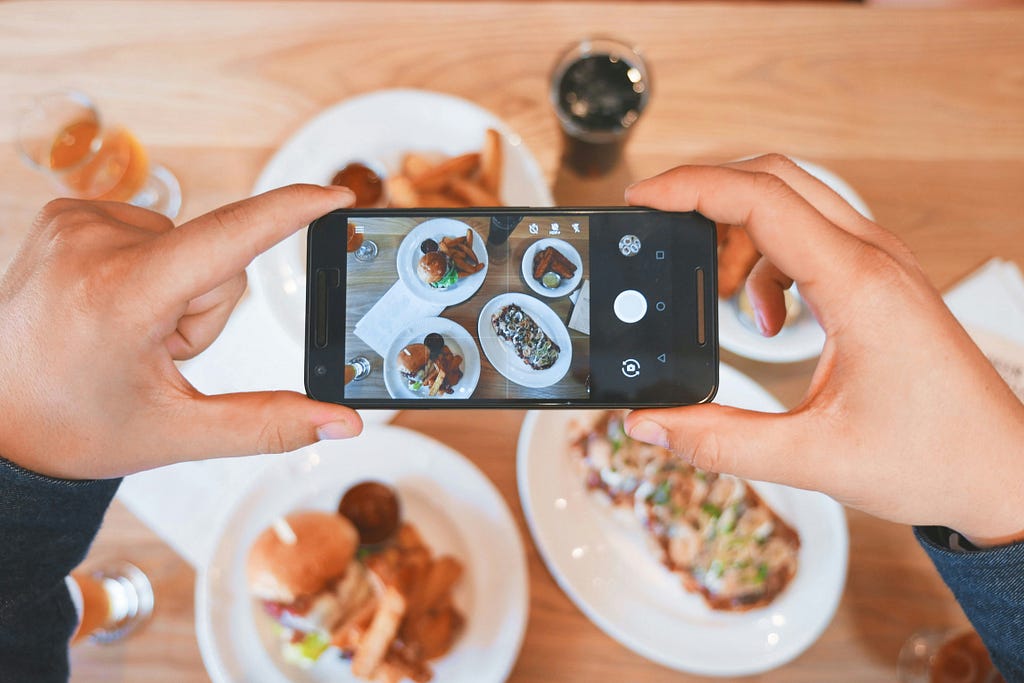
Image Pins
The most common type is image Pins, which consist of a single static visual. You can either upload an original image or save an online image as a Pin, which Pinterest then links to that original web page. This format is especially ideal for bloggers, as optimised Pins can drive traffic to their blogs.
Rich Pins
This type of Pin automatically syncs information from your website to your Pins. They are identified by the extra information above and below the image when you click on the rich Pin, and they update automatically to include any edits you make to the webpage. The three types include:
- Recipe Pins: Sync ingredients, cook times, and serving info directly from your recipe page.
- Article Pins: Display headlines, authors, and story descriptions from your blog posts.
- Product Pins: Show real-time pricing, availability, and product details from your online store.
Product Pins
These Pins feature products that are available to buy - when users click on them, they will be directed to the retail website page where they can complete the purchase. The two ways to create product Pins are to add your product catalogue to Pinterest or create rich pins linking to your product page
Collages
Collages are a super fun and creative way to express yourself on Pinterest. This format lets you mix and match image cut-outs to build a collage Pin that really pops. You can even use the remix feature to take existing collages and give them your own personal twist.
Video Pins
Short-form video content has become a staple part of Pinterest due to the format’s unique ability to quickly capture attention, tell stories and encourage conversions. Like other platforms, Video Pins play automatically in your home feed and are an ideal way to boost brand awareness, drive engagement, and achieve conversions.
Upload short, engaging videos that highlight helpful tips, showcase your products, or share stories - Pinterest suggests keeping them between 45–90 seconds for the best results. You can mix and match multiple images and videos or stick with a single video, and make sure you use a cover image that conveys what the video is about.
Since videos play without sound in the feed, it’s a good idea to make them visually compelling. While Pinterest offers a flexible sizing tool, fully vertical videos tend to get the most engagement.
The content types that perform well as Video Pins are:
- Step-by-step tutorials
- Lists
- Inspirational content
- Motivational videos
- Aesthetic montages
You can also engage audiences through the use of Stickers (only available on mobile formats), where you can add category tags like Style, DIY, and Nature, or use @mention stickers to credit collaborators or to give a shoutout to a fellow creator. Once posted, always add Video Pins to existing optimized Boards with relevant descriptive keywords.
Here’s a pro tip - maximize your content’s reach by repurposing your short-form videos across platforms. Share your TikTok videos, Instagram Reels, and YouTube Shorts on Pinterest, and your video Pins can live on those platforms too. This cross-platform strategy helps you reach new audiences without creating entirely new content.
Pinterest Ads

While organic Pins build long-term visibility, paid advertising accelerates your reach. According to Pinterest, weekly users are more likely to say that Pinterest ads feel more relevant in comparison to ads on other platforms. As this is a brand and product discovery platform first and foremost, Pinterest ads come in very handy. They deliver 2.3x more cost-efficient conversions than other social media platforms, with brands generating $4.30 in sales for every $1 spent on ads.
To start off, you will need to add the Pinterest tag, essentially a piece of JavaScript that allows you to track user actions after they click on an ad. There are fourteen different conversions you can track, which include:
- PageVisit: Views of linked web pages, like product and article pages
- ViewCategory: Views of category pages
- Search: Searches on your own website
- AddToCart: Products being added to shopping carts
- Checkout: Completed purchases
Similar to regular Pins, ads also need optimized titles, descriptions, alt text and links to the product page. The ad formats currently available for marketers to use on Pinterest are as follows:
- Image: Single-image pins promoted to reach more users.
- Carousel: Swipeable images in one ad, letting users browse products or features.
- Collections: Hero image or video with smaller product images below.
- Idea Ads: Multi-page ads combining images, videos, and text for immersive storytelling.
- Quiz: Interactive ads using questions to deliver personalized product recommendations.
- Premiere Spotlight Videos: Premium video placements in high-visibility feed and search areas.
- Showcase: Similar to Collections but designed to highlight a single product with supporting lifestyle images.
- Video: Auto-play video ads, ideal for product demos and brand storytelling.
In other exciting news, Pinterest is acquiring tvScientific, a connected CTV advertising company. This matters because Pinterest will be able to blend its audience insights and consumer data with tvScientific’s capabilities, opening up a fantastic new opportunity for advertisers to connect with customers right on their home TV screens and track their ad performance.
Step 3: Leverage Pinterest SEO

The key to getting found on Pinterest and driving more traffic to your website is to implement targeted SEO keywords. Tools like Pinterest Trends, Google Trends and other third-party platforms are super helpful for discovering what’s hot right now, exploring niche topics, and understanding who your audience is. The good news is that Google indexes Pinterest content, giving you an even higher chance at being discovered through search engine optimization.
Include relevant keywords and phrases throughout your Pins that align with your content and match the specific ideas your audience is searching for. Work them into your titles, descriptions and alt text. You can also select up to ten topics to tag in your Pins before publishing to widen your reach.
Try crafting clear, catchy titles with actionable formats like ‘How to…’, ‘5 ways to…’, or ‘Top Tips for…’. And while adding links to your Pins is optional, it’s a fantastic way to expand your reach and bring more traffic to your website. You could also add a friendly call-to-action in your image or video Pins to encourage viewers to click through to your landing page.
Don’t forget your Boards either - use keyword-rich titles and descriptions to show Pinterest how you organize and categorize your content and products. They are also the first thing users will see when they come to your profile, so make sure you’re using catchy titles and high-quality cover images.
Quick FAQ
How do I start Pinterest marketing for my small business?
Set up a business account, optimize your profile and Boards with keywords, claim your website, create vertical Pins (2:3 for images, 9:16 for videos), post daily, and monitor Pinterest Analytics. Prioritize quality visuals and consistency for evergreen results.
What types of Pinterest Pins drive the most traffic?
Focus on creating visually striking, vertical Pins with strong CTA (call-to-action), featuring keyword-rich actionable formats such as ‘How to…’, ‘5 ways to…’, or ‘Top Tips for…’, as these encourage user engagement.
What types of Pins can I create on Pinterest?
You can create Standard Pins (single images linking to websites), Rich Pins (auto-sync info from your site), Product Pins (shoppable items), Collages (mixed image cut-outs), Video Pins (short-form video content), and various ad formats including Carousel, Collections, Quiz, and Idea Ads.
How do I optimize my Pins for better visibility?
Use relevant keywords in your titles, descriptions, and alt text. Create clear, actionable titles like “How to…” or “Top Tips for…”. Tag up to ten topics before publishing, use high-quality vertical images or videos, and organize content into keyword-rich Boards with compelling cover images.
How long should my Pinterest videos be?
Pinterest recommends keeping videos between 45–90 seconds for best results. Since videos autoplay without sound in the feed, make them visually compelling and use fully vertical formats for maximum engagement.
Is Pinterest advertising worth it in 2026?
Yes, Pinterest ads deliver strong ROI - brands earn $4.30 per $1 spent and achieve 2.3x better conversion efficiency than other platforms. Formats include Image, Carousel, Collections, Idea Ads, Quiz Ads, Premiere Spotlight Videos, Showcase, and Idea ads. Use the Pinterest tag to track conversions.
How does SEO work on Pinterest?
Pinterest SEO involves using targeted keywords throughout your Pins, titles, descriptions, and Board names. Google indexes Pinterest content, increasing discoverability. Use tools like Pinterest Trends and Pinterest Predicts to research trending topics and optimize your content for search.
How does AI work on Pinterest?
Pinterest uses AI for content recommendations, inclusive representation, and ad campaign optimization. Features include custom background generation for product images, a GenAI chatbot for developer support, and even user controls to manage GenAI content visibility in their feeds.
How often should I post on Pinterest?
Consistency is key - aim to post daily, namely 3–10 times per day. Pinterest is a long-game platform where you likely won’t see immediate results in the first week or month. Content remains evergreen, providing long-lasting visibility and reach over time.
Step 4: Use AI on Pinterest

Pinterest uses both traditional classical AI (non-data learning) and modern classical AI (data learning) to help users find inspiration in their feed. Machine learning is used to recommend and show the most relevant ideas across user home feed, search and related feeds, and to increase inclusive and diverse representation across Pinterest’s recommendation feeds.
Generative AI in particular has become a big part of Pinterest. It’s especially helpful with ad campaigns, making them more engaging and boosting performance for advertisers by letting you create custom backgrounds on product images using the image generation model, Pinterest Canvas. There is even a GenAI chatbot on the Developers’ Site to provide you with timely support and guidance.
In order to combat the surge in AI slop, Pinterest recently launched new tools to allow users better control over Gen AI content. Users can now go to the ‘refine your recommendations’ in the settings, and make adjustments on whether or not they want to see GenAI content in their favoured categories, including fashion, home decor, beauty, sport, health and much more.
Step 5: Monitor your Analytics
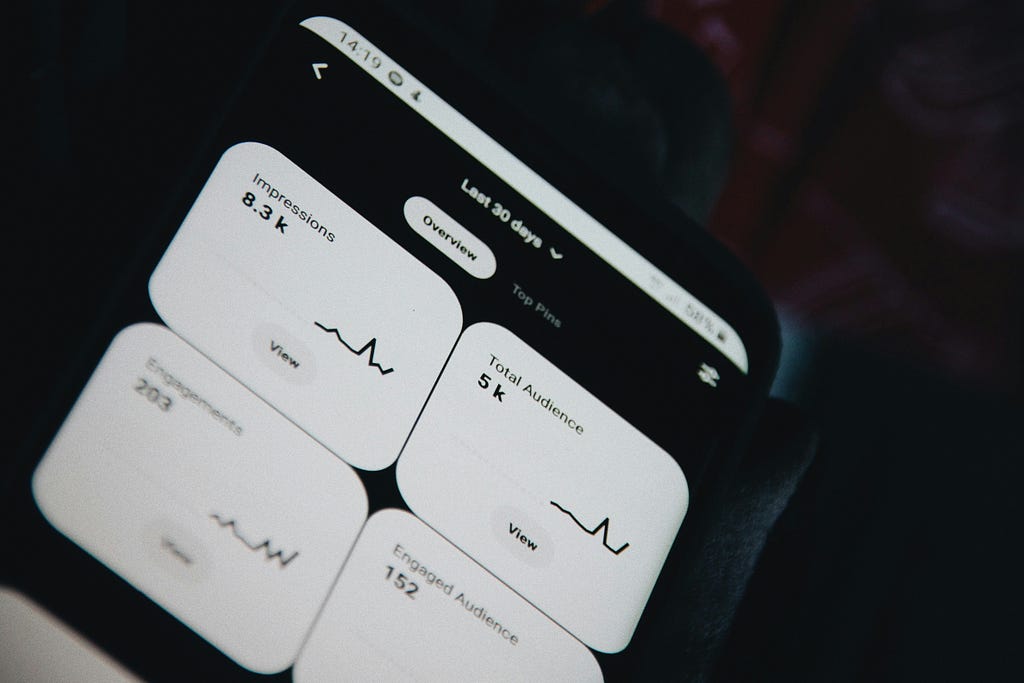
With a business account, you’ll unlock helpful analytics that show you how your Pinterest content is performing. You can see what’s resonating with your audience, what needs a little tweaking, and experiment with new ideas.
This is especially helpful for Ad campaigns, as Pinterest Analytics gives you real-time data so you can keep an eye on how your campaigns are doing. You can also connect it with tools from other platforms, run A/B tests to see which strategies work best, and access marketing mix modelling (MMM) to understand how your spending across different channels is paying off.
Here are some of the metrics you can track for all your Pin types:
- Pin clicks: Total number of times users clicked on your Pin to view it in closeup
- Pin click rate: Percentage of impressions that resulted in a Pin click
- Impressions: Number of times your Pin was shown on screen
- Saves: Number of times users saved your Pin to their own Boards
- Engagements: Total interactions with your Pin, including saves, clicks, and other actions
- Engagement rate: Percentage of impressions that resulted in any type of engagement
- Outbound clicks: Number of times users clicked through to your website or destination URL
Final Thoughts
Pinterest marketing offers businesses a unique opportunity to reach highly engaged audiences actively searching for inspiration and products. With its visual-first approach, powerful discovery tools, and diverse ad formats, Pinterest enables brands to drive traffic, boost conversions, and build lasting customer relationships. Whether you’re leveraging organic pins, video content, or paid advertising campaigns, a strategic Pinterest presence can transform your digital marketing results in 2026 and connect you with users at the perfect moment in their buying journey.
Remember, stay consistent and post daily - Pinterest plays the long game, so you likely won’t see concrete results in the first week or month. If your goal is to catch your audience’s attention through high-quality visuals, Pinterest is the right platform for you. Its unique algorithm means your content remains evergreen, which is key to achieving long-lasting visibility and reach.
Ready to take your social media marketing to the next level? Contact Black Pug Studio today for expert tips on brand success and digital strategy!
5 Pinterest Marketing Fundamentals to Scale Your Business in 2026 was originally published in Creative by Black Pug Studio on Medium, where people are continuing the conversation by highlighting and responding to this story.