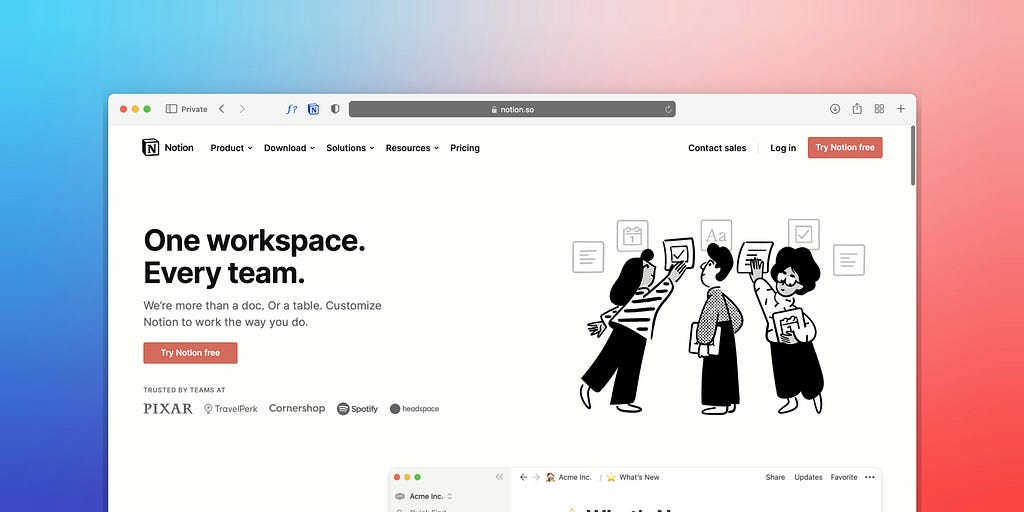
How much of your working week vanishes into admin? For most business owners, the real answer is far too much. One Harvard Business Review study found that the average digital worker toggles between apps and websites nearly 1,200 times a day, losing close to four hours every week just reorienting themselves. That adds up to roughly five working weeks a year lost to app-switching alone. In that case, what if all of that scattered work could live in one place, with a capable assistant built right in?
This is where Notion comes in, a highly advanced workspace that the team at Black Pug Studio has been running on for years. It has been a genuine game-changer for how we work, so today we are sharing our top tips for using it and why it deserves a spot at the heart of your business.
What is Notion?
At its core, Notion is an all-in-one workspace where you can manage notes, databases, calendars, wikis, and projects in one connected home. It is flexible in terms of design as it offers dozens of customizable building blocks to allow you to shape a workflow around your exact needs, whether its a company wiki, an editorial calendar, task lists, or a content planner.
Better still, Notion AI is built right in, ready to generate and edit almost anything you need, from documents and tables to translations and diagrams. AI is fast becoming the beating heart of how modern businesses run in Notion, and it is one of our main focuses throughout this guide.
Think of this tool as not simply a mere note-taking app, but more of your online company headquarters. If that already sounds like a lot, don’t worry. Notion takes some getting used to, so we will break it down step by step, whether you are a solo entrepreneur or a team of thirty-plus.
1. Customizable Set-Up

Notion is all about catering to your vision and building a workspace that is genuinely yours. Getting the architecture right lets you organize business information coherently, so you and your teammates can navigate it with ease.
From image headers to full dashboards, you can craft a space that makes your workflow smoother. And if the Table view is not for you, there are plenty of alternatives: Gallery, Board, and List views each offer a different way to see the same information. Once your structure is in place, Notion AI can help you shape it further, suggesting how to organize pages or drafting starter content for a new dashboard, so you are never staring at a blank workspace.
2. Create Templates

On Notion, you can build your own reusable templates for anything you do repeatedly. Toggle menus, for example, can be added from the drop-down menu or with a quick keyboard shortcut. If you send a weekly client update, you can just build the template once, and then every future report can start half-finished.
Alternatively, the Notion template gallery is a great launchpad for anyone stuck on design. Its downloadable templates span dozens of categories, from beginner-friendly to advanced, with both free and paid options. You can also lean on Notion AI to fill templates fast, generating a first draft of a project brief, meeting agenda, or content plan the moment you create one.
3. Project Management

Notion allows you set up workflows and pipelines to keep projects on track. Each project card opens into its own page, where you can add all the detail that matters. You can tailor properties to your needs, from Status, Client, and Owner to Type, Deadline, and priority, whether you are tracking a Webflow build or a Shopify store launch. Notion AI adds another layer here, summarizing progress, drafting status updates, and suggesting next steps so nothing quietly stalls.
4. Trackers
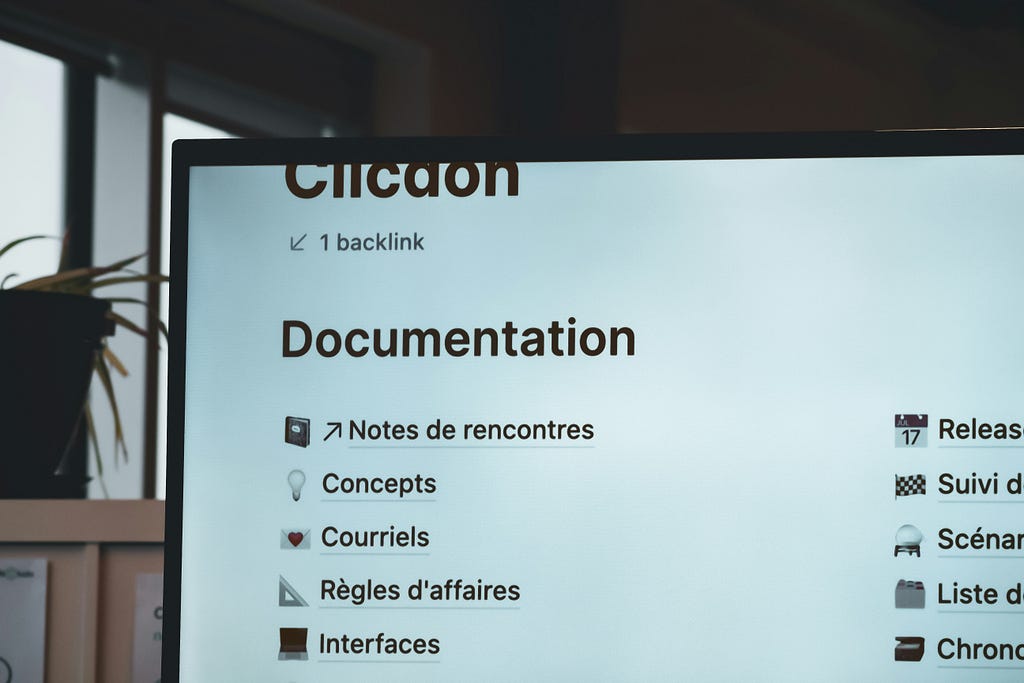
Whether it is revenue, schedules, content performance, leads, or expenses, Notion is a powerful way to keep an eye on every part of your business. Better yet, AI lets you interrogate your data in simple English, spot trends at a glance, and turn raw numbers into a clear written summary for your team in seconds.
5. Importing Content
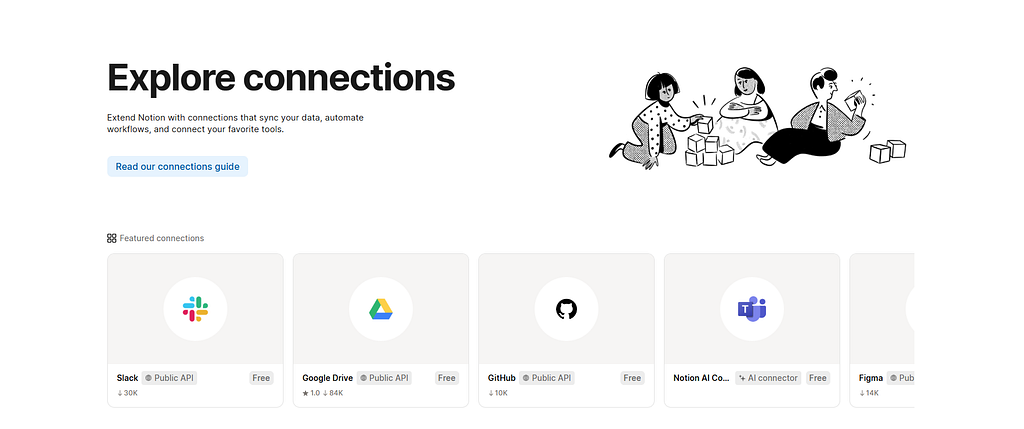
Notion makes moving your workflow over from another platform painless. You can import from tools like Asana, Trello, Microsoft Word, Google Docs, and Evernote, so you pick up right where you left off. Once your content is in, Notion AI can tidy it up, reformatting messy imports, tagging entries, and summarizing long documents so everything feels at home.
6. Harnessing Notion AI for Your Business
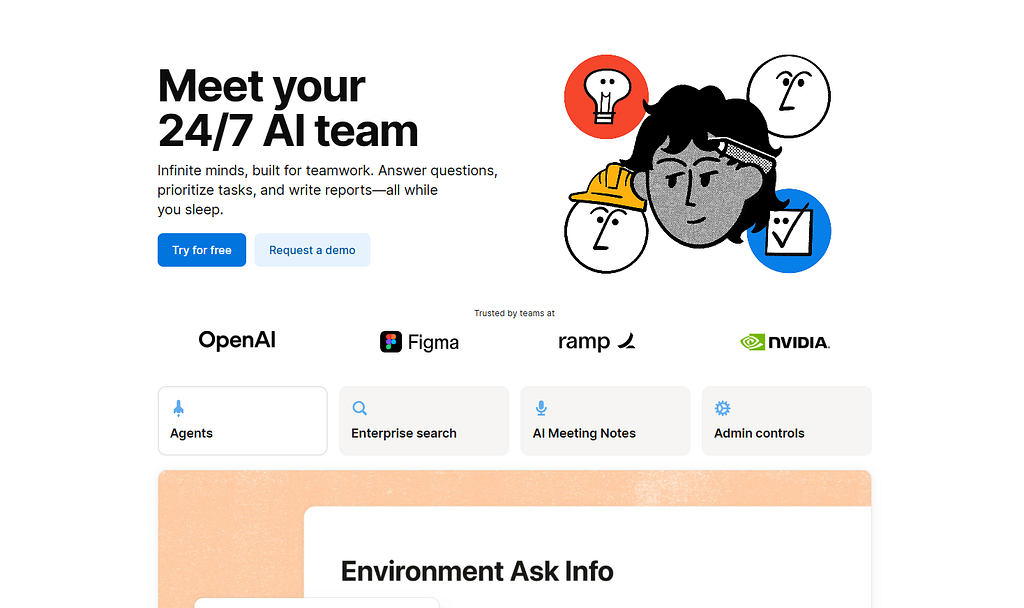
Here is where things get exciting. If Notion is your company headquarters, then Notion AI is the tireless assistant working away in the back office. Since it lives right inside your workspace, you can put it to work without switching tabs or pasting text into a separate tool.
AI adoption is no longer a fringe experiment. Research from the U.S. Chamber of Commerce found that 40% of small businesses were using AI tools in 2024, nearly double the figure from the year before. At Black Pug Studio, AI has quietly become part of our daily rhythm.
Here are a few of the ways it helps businesses on an everyday basis:
- First drafts in seconds: Ask Notion AI to draft a document, a client email, or a blog outline, and you have a solid starting point in moments. You stay the editor while the blank page disappears.
- Instant summaries: Point it at a sprawling page, a set of meeting notes, or a busy database, and it hands back the key points, so nothing important slips through the cracks.
- Tone and translation on tap: Rewrite a paragraph to sound warmer or sharper, ready it for a new audience, or translate it into another language in a single click.
- Custom AI agents: Set up agents to handle the repetitive jobs you would rather avoid, from tagging content and sorting entries to pulling together a weekly report.
- Answers from your whole workspace: Ask a question in plain English and let AI search across every page to find the answer, so you spend less time hunting and more time creating.
The real magic is that all of this happens in context. For instance, when a blog idea lands, Notion AI can rough out the structure, suggest headings, and flag where we can add sources. What once took a task that took an entire afternoon is condensed into minutes, freeing our team to focus on the creative spark that only people can bring.
The Wider Notion AI Toolkit
Notion AI is not a single button but a whole team of tools working side by side. Here are the standout AI-powered features worth getting to know:
- Notion Agent: A digital teammate that takes on entire tasks, building and editing pages or databases using context from your workspace and connected apps. You can even spin up custom agents tuned to the way your business works.
- AI Meeting Notes: Record a call and let Notion transcribe it, label who said what, and deliver a tidy summary with action items, so you can stay present in the room instead of getting distracted by scribbling notes.
- Enterprise Search: One search bar that looks across Notion and connected apps like Slack, Google Drive, and GitHub, bringing every answer into a single place.
- Research Mode: Point AI at a topic and it does the research for you, gathering sources and drafting a structured report you can shape into something polished.
- AI Autofill for databases: Let AI fill properties for you, generating summaries, tags, and action items across hundreds of rows without the slow manual slog.
- Writer and AI blocks: Draft, rewrite, fix grammar, shift tone, or translate content on any page as you’re working.
- Your choice of models: Utilize leading AI models such as Gemini, Claude, and GPT from inside Notion, so you always have the right brain for the job.
7. Collaboration and Team Workspaces

Quality work rarely happens in a vacuum, and Notion is built for teams that create together. Think of it as the shared studio floor where everyone can see what is being made, add ideas, and pick up their tasks with ease.
Here is how Notion keeps a whole team moving as one:
- Share pages and work side by side: Invite teammates to any page and edit together in real time, whether you are polishing a client proposal or mapping a project. Leave a comment to ask a quick question, tag a colleague to pull them in, and assign tasks so everyone knows their responsibilities.
- Set permissions with confidence: Not every document is meant for every pair of eyes. Notion allows you to decide who can view, comment on, or edit each page, so sensitive client work stays protected while shared resources remain open to those who need them.
- Keep one source of truth: When your notes, tasks, and files all live in one connected space, there is no more digging through scattered tools or second-guessing which version is current. Everyone can access the same up-to-date information.
Because Notion AI is woven through all of it, teamwork gets even smoother. You can ask it to summarize a long comment thread before a meeting, draft a reply to a teammate’s question, or catch you up on everything that changed while you were absent.
8. Integrations and Automations
Notion truly comes into its own when it collaborates with other software. Connect it to the tools your team already relies on, and a single workspace becomes the centre of your whole operation. Link Notion with apps like Slack, Google Drive, and GitHub, and your conversations, files, and code all sit a click away from the projects they belong to. No more bouncing between tabs or losing track of where a document ended up.
The real time-saver, though, is automation. Notion can keep your databases current on its own, switching the task status to “In Progress” the moment work begins or flagging a deadline before it sneaks up on you. Custom buttons, recurring templates, and reminders strip out the repetitive busywork, leaving you a workspace that quietly handles the admin so you can get back to the work that actually requires attention.
9. Getting Started: Your First Week with Notion
Diving into a new tool can feel daunting, but your first week with Notion does not have to be. The trick is to start small and build as you go:
- Explore: Create a personal page, jot down a few notes, and get a feel for how the features click together.
- Build a database: Set up something simple like a task list, then watch it shift between table, board, and calendar views.
- Bring in your team: Add a shared page, invite a colleague, and try a simple automation.
- Start the workflow: You will have a working part of your own digital headquarters up and running.
If the blank page feels intimidating, lean on templates first, borrowing a free setup from Notion’s gallery and editing it to fit your needs. A few common beginner mistakes are easy to sidestep once you know them, including:
- Over-engineering on day one: Resist the urge to build the perfect all-encompassing system straight away. It is the fastest route to overwhelm.
- Scattering stray pages: Dozens of one-off pages you will never find again quickly become clutter. Get familiar with view settings too, as accidentally setting an important page to private is an easy slip.
- Treating Notion like a document tool: Its real power lies in linked databases, not static pages.
Start simple, explore the tools you have access to, and let your Notion workspace grow alongside your confidence.
Conclusion
We hope these tips spark some ideas for putting Notion to work in your start-up, SME, side-hustle, or established company. As a central hub, there is very little it cannot handle. For us, Notion is not only where the team collaborates, but also where we work alongside our clients, so its importance to the studio is hard to overstate.
Want to see how Notion could upgrade your own workflow? Get in touch with Black Pug Studio, and we will happily talk you through your options.
Frequently Asked Questions
Is Notion good for small businesses?
Yes. Notion works well for solo founders and growing teams alike, because you can start with a single page and scale up to a full company hub of databases, wikis, and dashboards. Its flexibility means you only build what you actually need.
What can Notion AI do for my business?
Notion AI can draft documents and emails, summarize long pages and meeting notes, translate and adjust tone, fill database properties automatically, and answer questions using content from across your workspace, all without leaving Notion.
How do I get started with Notion?
Start small: create a personal page, build one simple database such as a task list, then invite a teammate and try a basic automation. Lean on the template gallery if you’re having trouble with design.
Interested in AI services? Book a free discovery call with us!
If you are keen to bring practical AI tools into your team’s workflow, we would love to hear from you. At Black Pug Studio in Galway, we offer a free 30-minute discovery call to talk through your challenges, explore where AI might genuinely help, and give you an honest picture of what is realistic. No obligation, no hard sell, just a useful conversation. You can also explore more of our thinking on our blog.
How to Use Notion for Your Smarter, AI-Powered Business in 2026 was originally published in Creative by Black Pug Studio on Medium, where people are continuing the conversation by highlighting and responding to this story.